
Share This Article
Building the same weekend football accumulator inside the 1xBet app is quicker than doing it in a mobile browser. The application keeps your selections saved between sessions, so nothing disappears if the page reloads mid-way through. In the browser version, the slip often empties when the connection drops or a tab closes unexpectedly.
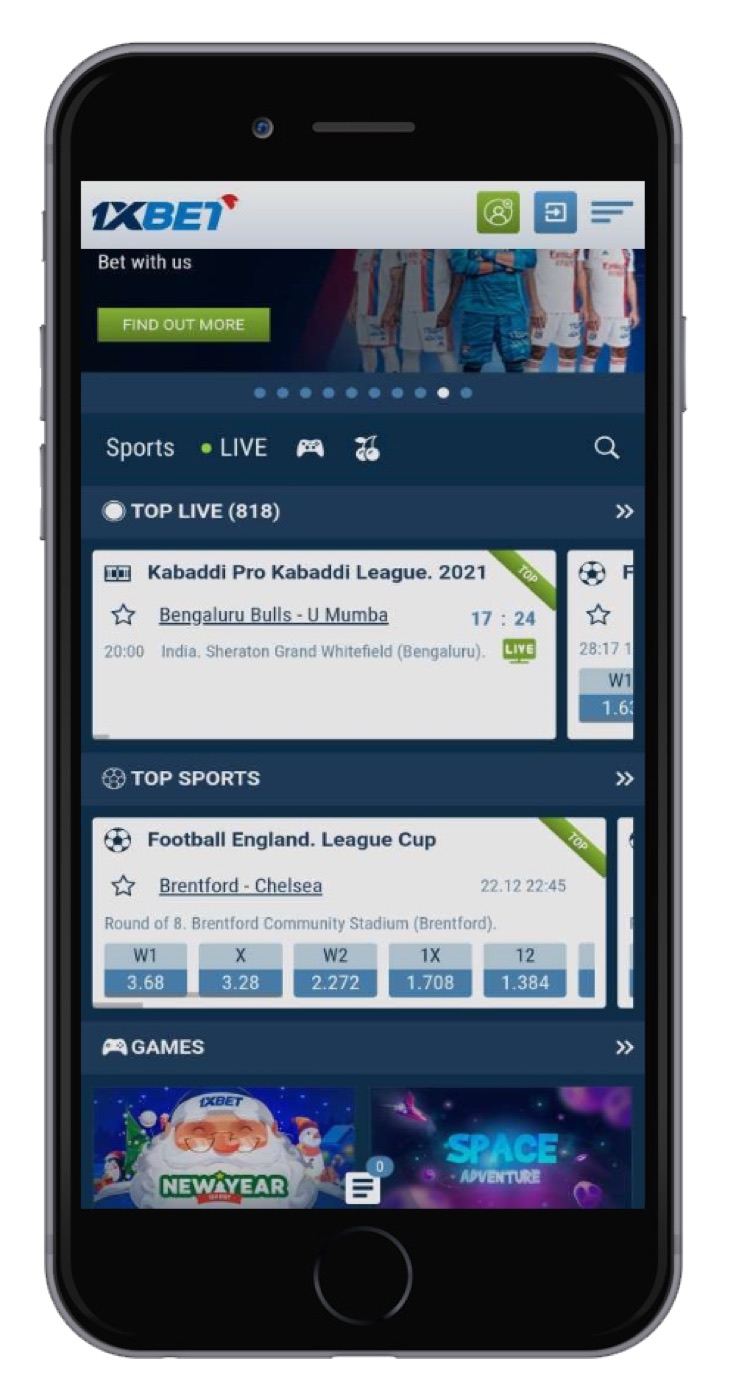
In this guide we walk through the actual screens a 1xBet user meets, from the football menu to the final confirmation. Every step below reflects what you see on the application itself, without invented shortcuts.
the quick answer: what you need before you start
| Item | What you need |
|---|---|
| Account | Verified profile with a positive balance |
| Application | 1xBet installed on your device |
| Network | Stable Wi-Fi or mobile data |
| Time | Five to ten minutes to build the slip |
The table above covers the basics before you open the weekend football coupon. Verification matters because an unverified account can block withdrawals later on. Make sure your 1xBet balance covers the total stake you intend to place.
The application itself does the heavy lifting once your account is ready. Menus load in a second or two on a decent connection. If the coupon ever feels unclear, the operator behind the application is licensed under the Malta Gaming Authority, and their public register confirms this status.
opening the weekend football menu
Launch the 1xBet application and tap Football in the main sports row. The screen fills with live and pre-match fixtures sorted by league and kick-off time. The top bar lets you switch between Single, System and Accumulator modes.
Now filter for the weekend. Tap the calendar icon and select the Saturday and Sunday window. The fixture list refreshes in a couple of seconds, showing only games within that span. Each row displays the match, the kick-off time and three core prices: home, draw, away.
Before picking anything, note the coupon mode at the bottom. When Accumulator is active, every selection you tap adds itself to the same slip.
- Tap a fixture to open the full market list.
- Check the odds display before confirming any pick.
- Watch for fixtures marked with a small icon indicating extended markets.
- Keep an eye on kick-off times so legs do not overlap.
Four taps usually get you from launch to a populated fixture view. From here, the selections themselves are the next decision.

adding selections to your slip
Open any fixture and you will see dozens of markets: match result, totals, handicaps, both teams to score. Tap the price you want and the leg flies straight into the bet slip at the screen bottom. The slip badge counts up with each addition.
On a typical weekend you might add six to eight legs for a reasonable accumulator. Keep an eye on the combined odds figure shown inside the slip. It recalculates the moment you remove or change any single leg. If a price shifts before you confirm, the application highlights the change and asks for a fresh tap.
The 1xBet slip also shows the potential return next to the stake field. Adjust the stake and the figure updates immediately, so you always know the number before committing.
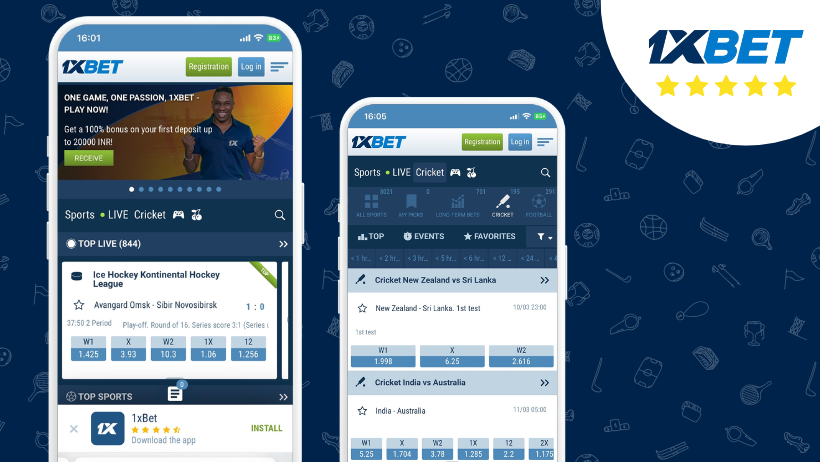
Settle your stake and follow the coupon in the 1xBet app
When the weekend coupon is ready, tap the bet slip icon at the bottom of the 1xBet screen. The slip lists every selection with its combined odds. You can switch between “Accumulator” and “Chain” before you confirm.
Enter your stake in the field at the bottom of the slip. The app shows the potential payout instantly as you type. Check that figure against your own estimate before pressing the green button.
- Tap the slip icon after your final selection.
- Confirm “Accumulator” is the chosen bet type.
- Type the stake and read the payout line.
- Press the green confirm button to place the bet.
The 1xBet app then shows a confirmation screen with a bet number. That number is your reference for the whole coupon. If you are new to the app, the 1xbet mobile app source page explains where the install file comes from.
Watch the coupon unfold on match day
Open the 1xBet app on Saturday and head to the “My Bets” tab. Your weekend accumulator appears at the top with a live status bar. The bar fills as each leg finishes.
Tap the coupon to see the running detail. Each row shows the score, the odds at kickoff, and whether the leg is winning. If one leg loses, the slip turns grey and the payout line drops to zero.
Notifications arrive when a leg settles. Turn them on under Settings, then Notifications, if you want an alert on your phone. The 1xBet app also pushes a message when the whole coupon is won.
The status bar updates within a minute of full-time whistles. Cash-out offers appear as a yellow button if the coupon is still alive mid-weekend. Deciding to cash out early is a personal choice, but the application always confirms the reduced figure first.

A checklist to run through before you tap confirm
- Open the 1xBet app and check your balance covers the stake.
- Pick the matches from the football menu and add your selections.
- Open the bet slip and confirm the type reads “Accumulator”.
- Check the combined odds figure against your own quick maths.
- Read the potential payout line one last time.
- Press confirm and note the bet number on the receipt screen.
Run this list each weekend and the process takes under a minute. The 1xBet bet slip remembers nothing between coupons, so every step starts fresh.
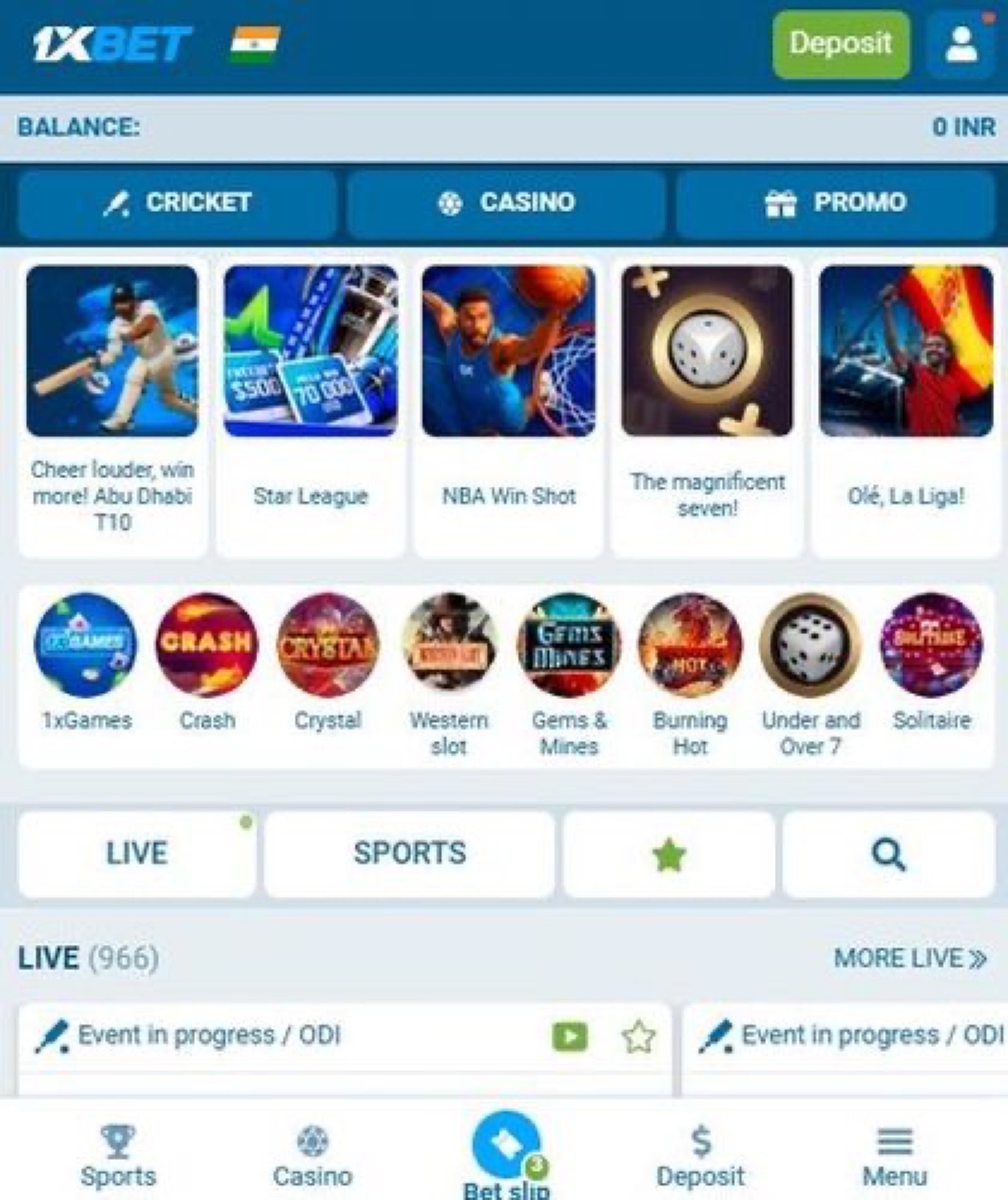
Mistakes people make with the weekend coupon
- Adding too many legs. A coupon of twelve matches rarely survives the full weekend.
- Ignoring the bet type field. Some users leave it on “System” and change their payout maths.
- Forgetting to check the balance after placing earlier bets.
- Placing the coupon minutes before kickoff and missing a lineup change.
The fix is simple: slow down at the slip stage. The 1xBet bet slip shows everything you need in one screen. Give it ten seconds and the coupon behaves.